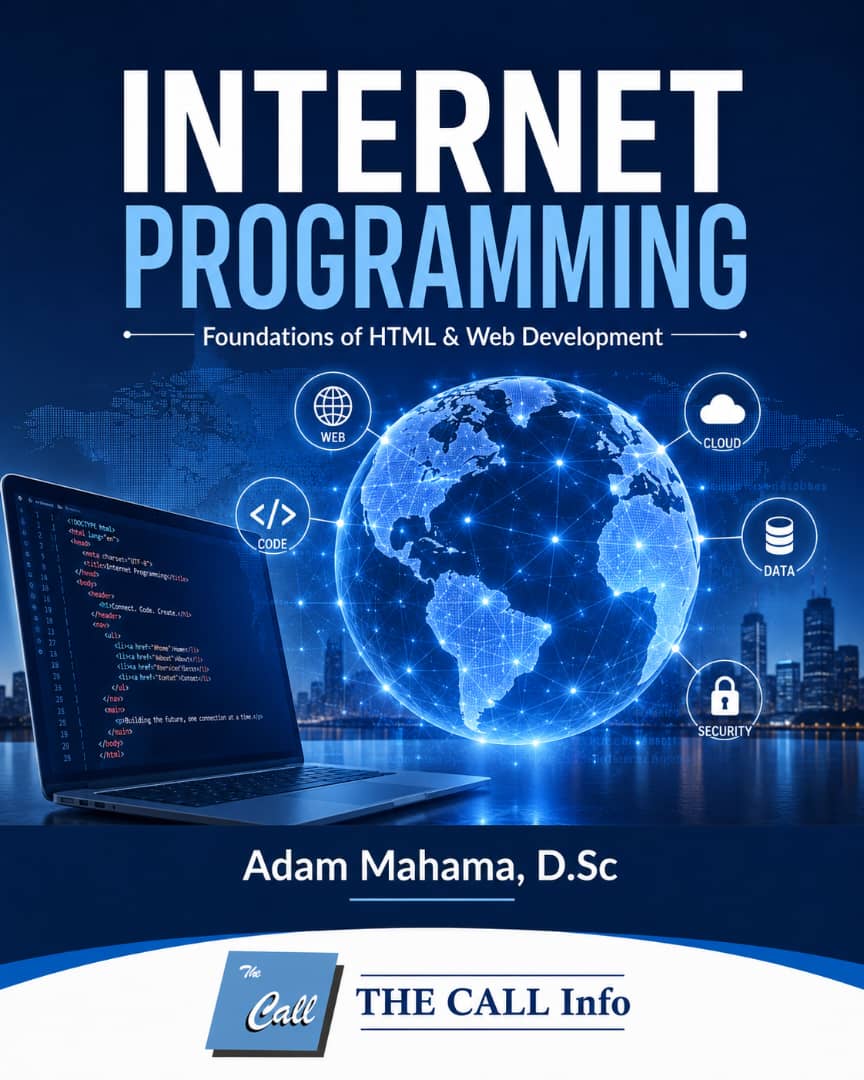
COURSE DESCRIPTION
One reasoning for this course is adoption of a step-by-step hands-on tutorial for bringing learners up to speed with knowledge and skills in HTML language that can adapt more easily to new web technologies.
Here, you will learn basic to advanced concepts that will empower you to use HTML scripts along with CSS, Javascript and PHP to design beautiful interactive layouts for websites. Although, there are available web page construction tools, you will learn in this course how to create web pages with just a text editor such as Microsoft Notepad. Each lesson provides you with easy examples, and practical exercises that you can do from offline computers.
The target audience for this training are eager learners, particularly, novices who are interested in acquiring the foundation knowledge and skills necessary for web programming and web development. Some light experience with web programming is helpful but not necessary.
CERTIFICATION
The Call eAcademy courses do not award free certificates. A verified certificate is awarded only to learners who have successfully passed in assessment of registered paid certificate tracks. Your performance in quizzes and assignments at the of a course qualifies you to apply for a verified certificate of participation in the course.
LEARNING OUTCOMES
By the end of the course the learner should be able to:
- use basic HTML elements to create and view a web page on your local computer.
- use HTML elements as navigational and control aids of a web site.
- design interactive forms for conducting online transactions and searching for information from remote services.
- acquire the foundation knowledge and skills necessary for advanced courses in web programming and web development.
Course Features
- Lectures 5
- Quiz 0
- Duration 25 hours
- Skill level All levels
- Language English
- Students 0
- Assessments Yes
- 2 Sections
- 5 Lessons
- 10 Hours
- CREATING WEB PAGES IN HTML CODESIn this module, you will learn how to create a basic HTML document using the core HTML elements. You will learn about the basic structure of an HTML document (elements, attributes, etc.) and how they are used in the context of your HTML web pages.2
- ADDING WEB LINKS AND IMAGESIn Module 2, you will learn how to enhance the beauty of your web pages by adding attractive photos, graphics, icons, audios, visuals and other illustrations. You will also learn how to use HTML elements to reference or access information from other web pages.3