📚 COURSE DESCRIPTION
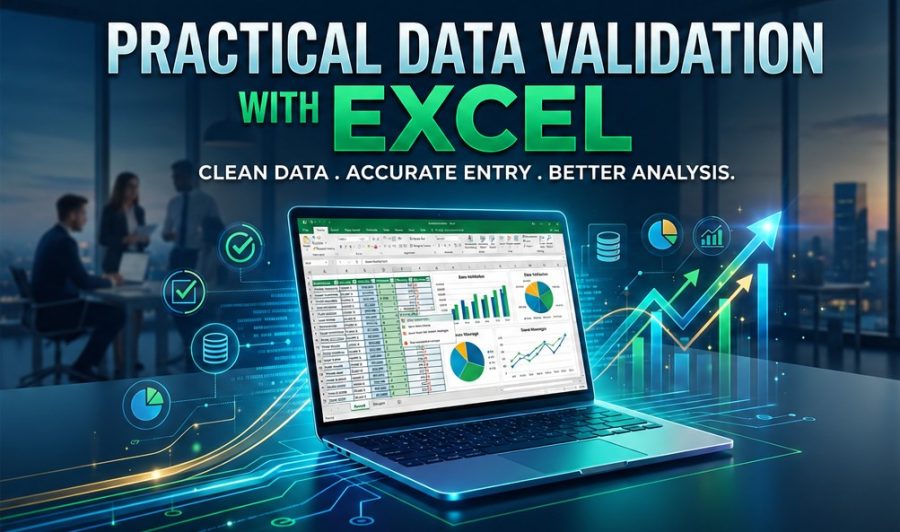
Practical Data Validation with Excel is a beginner-friendly foundation course designed to equip learners with essential skills in accurate and professional data entry using Microsoft Excel. The course focuses on structuring datasets, applying formatting standards, validating entries, cleaning data, and managing files effectively. It prepares learners for office, research, NGO, and administrative environments where data accuracy and organization are critical.
✅ LEARNING OUTCOMES
By the end of the ourse, you’ll be able to:
- master data entry technologies using SPSS and Excel
-
identify different types of data used in Excel.
- design structured and organized data entry sheets.
-
apply formatting techniques for clarity and consistency.
-
implement data validation tools to prevent errors.
- clean and manage datasets using sorting and filtering tools.
- apply professional file naming and storage practices.
- demonstrate competency through a practical data entry task.
📚 WHO SHOULD PARTICIPATE?
This training course is suitable to a wide range of professionals but will greatly benefit:
- Business Analysts
- Data Analysts
- Managers and Supervisors
- Accountants and Financial Analysts
- Professionals seeking to improve Excel and SPSS data handling skills
📌 ENROLLMENT DETAILS
- Start Date: Enroll anytime! Immediate access upon registration.
- Duration: Self-paced (average completion: 20 hours.
- Prerequisites: Basic understanding of descriptive statistics (mean, standard deviation).
- Tools Required: SPSS software (free trial available), and Excel.
- Enroll Now: Start Learning Today
💯 CERTIFICATION
THE CALL Info (THE CALL eAcademy) does not offer academic credit or industry certification. However, participants who complete all assignments and pass all quizzes may request a certificate of completion.
Course Features
- Lectures 42
- Quizzes 6
- Duration 50 hours
- Skill level All levels
- Language English
- Students 3
- Assessments Yes
- 8 Sections
- 42 Lessons
- 50 Hours
- Module 1 — Introduction to Data Validation6
- Module 2 — Foundations in Data Validation6
- Module 3 — Restricting Values8
- Module 4 — Creating Drop-Down Lists7
- Module 5 — Input Messages & Error Alerts6
- Module 6 — Auditing & Cleaning Existing Data5
- Module 7 — Real-World Project5
- Module 8 — Final Assessment & Certification5